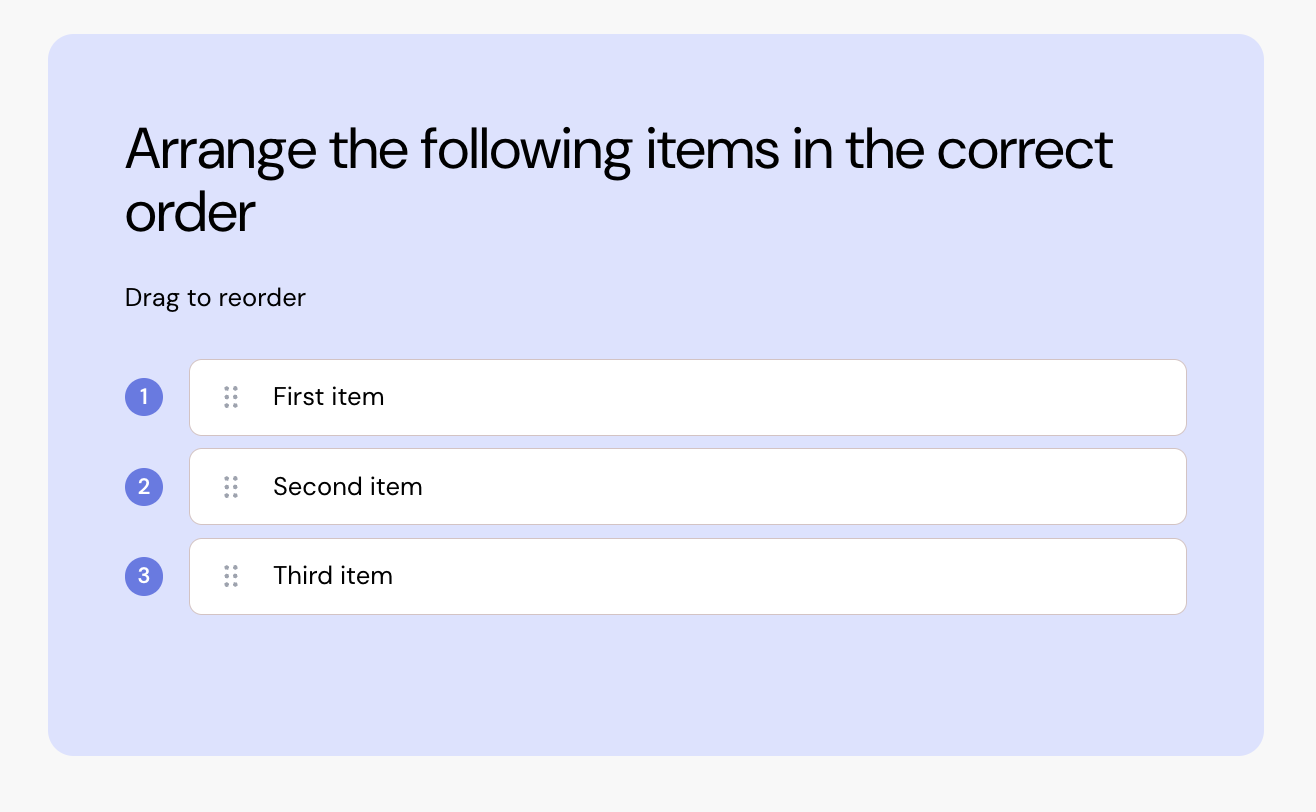
Add a ranking exam quiz to your course
 Select rank from the element list.
Hover over the component and select edit.
Update the title.
Update text for each item.
Add or remove items as needed.
Drag and drop the items into the correct order.
Add an explanation to show to the learner once they submit their answer.
You can:
Add as many items as you need.
Change the background colour.