An open answer element gives learners a text field where they can type a free-form response. Use open answers to prompt reflection, gather opinions, or let learners practice writing about what they have learned.


An open answer element shows a question or prompt and an empty text field. Learners type a response, then submit.
Responses are not marked right or wrong. There is no correct answer for the system to score against. Once a learner submits, their answer is saved against their progress in the course.
If the course runs in a SCORM-compatible learning management system, the response is included in the SCORM data sent back to the LMS. Reviewers can read responses there if needed.
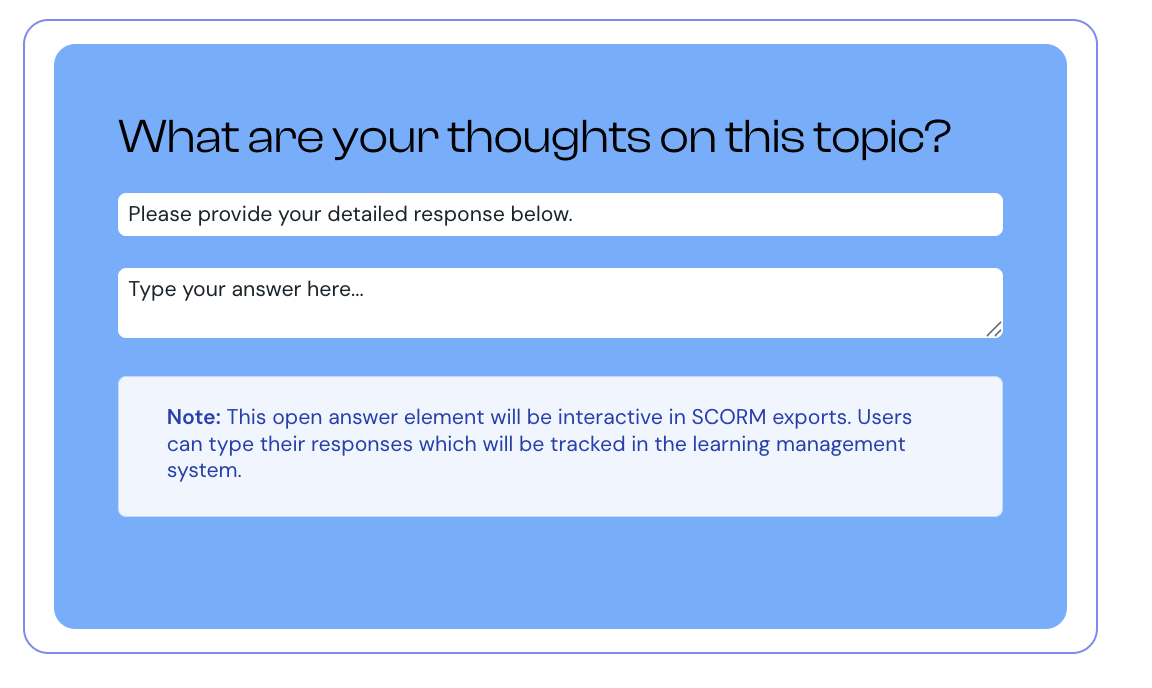
1. Select Open Answer from the element list to add it to your lesson.
2. Hover over the component and select Edit.
3. Enter your question or prompt. Make clear what you want learners to write about.
4. Optionally, add instruction text. Use it to suggest length, style, or what learners should think about before answering.
5. Optionally, set placeholder text that displays inside the empty text field as a hint or starter phrase.
6. Select Preview to check how the element appears to learners.
Exams in Courseau auto-score every question to give learners an immediate pass or fail result. Free-text responses cannot be auto-scored fairly, so open answer is not offered as an exam question type.
If you need to test something that requires a written response, consider a different question type:
use multiple choice with carefully written options
use matching to test which definition goes with which term
use sorting to test how learners categorize ideas
Use open answers for reflection, journaling, and self-assessment, not for testing facts
Give learners a sense of expected length in the instruction text. "A sentence or two" sets clearer expectations than no guidance
Place the open answer right after the content it relates to. Asking learners to reflect immediately after teaching reinforces learning
If you plan to review responses, let learners know. They will write more carefully when they expect someone to read what they wrote
Add media, quizzes, and interactive elements to a card
How to add interactive lesson elements, including open answers, to a card.
