Add the flip cards interactive element to your course
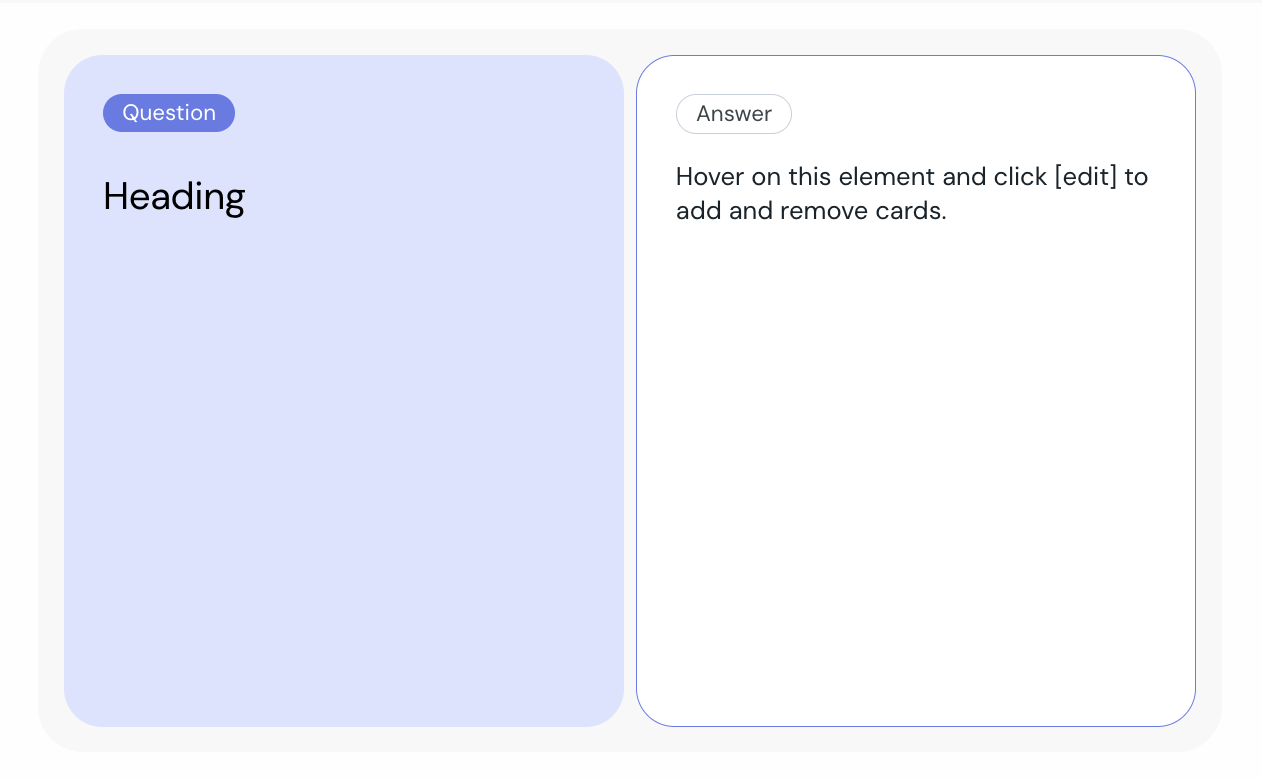
 Select Flip Cards from the element list.
Hover over the component and click edit.
Add the question and answer to your flip card.
Add additional Flip Cards to complete your setup.
Click Preview to view the element as your learners will experience it.
You can:
Add as many Flip Cards as you need.
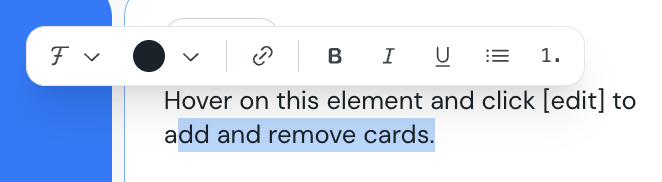
Highlight text to format it, add links etc
With custom themes you can:
Change the secondary color in your theme to update the background for the question card.
Change the accent color in your theme to update the question pill background.